sandplover.mask.DepositMask
- class sandplover.mask.DepositMask(*args, background_value=0, elevation_tolerance=0.1, **kwargs)
Create a DepositMask from an array.
This is a Mask for where any sediment has been deposited.
Note
This class might be improved by reimplementing as a subclass of ThresholdValueMask.
Examples
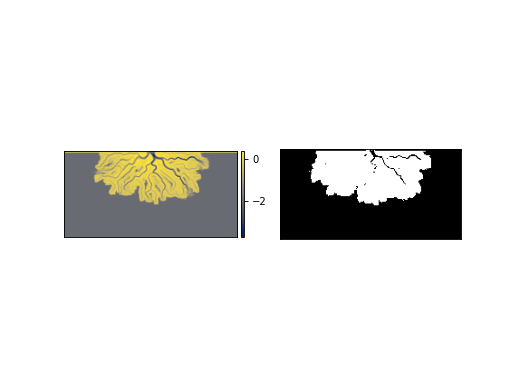
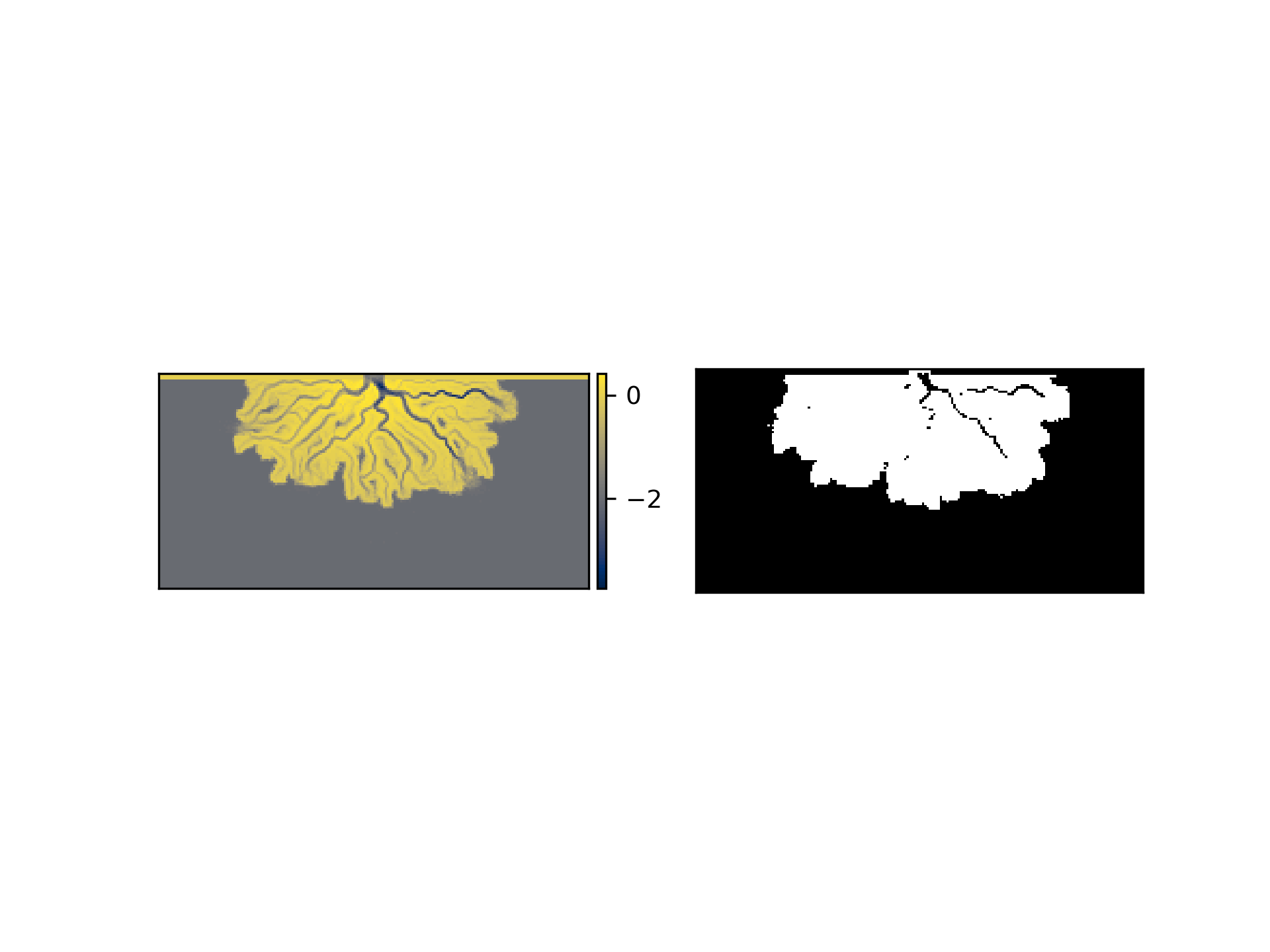
Make a mask for the final time of the simulation.
>>> import matplotlib.pyplot as plt
>>> from sandplover.mask import DepositMask
>>> from sandplover.sample_data.sample_data import golf
>>> golfcube = golf()
>>> deposit_mask = DepositMask(
...     golfcube["eta"][-1, :, :], background_value=golfcube["eta"][0, :, :]
... )
>>>
>>> fig, ax = plt.subplots(1, 2)
>>> golfcube.quick_show("eta", ax=ax[0])
>>> deposit_mask.show(ax=ax[1])
(
Source code,png,hires.png)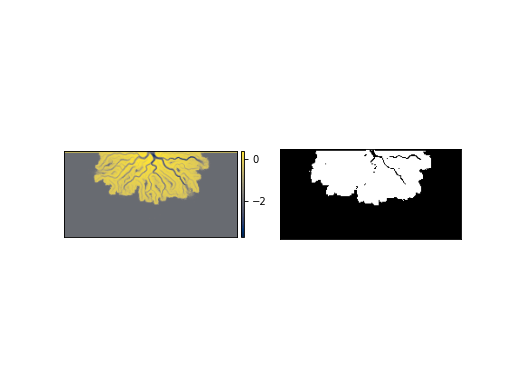
- __init__(*args, background_value=0, elevation_tolerance=0.1, **kwargs)
Initialize the DepositMask
This is a straightforward mask, simply checking where the elevation is greater than the background_value, outside some tolerance:
np.abs(elevation - background_value) > elevation_tolerance
However, using the mask provides benefits of array tracking and various integrations with other masks and functions.
- Parameters:
elevation (
DataArrayorndarray) – Elevation data at the time of interest, i.e., the deposit surface.background_value (
DataArrayorndarrayor float, optional) – Either a float or array-like object specifying the values to use as the background basin, i.e., the inital basin underlying the deposit. Used to determine where sediment has deposited. Default value is to use0, which may have unexpected results for determining the deposit.elevation_tolerance (
float, optional) – Elevation tolerance for whether a location is labeled as a deposit. Default value is0.1.**kwargs – Could be background_value, if not passed as
*args[1].
Methods
__init__(*args[, background_value, ...])Initialize the DepositMask
from_array(_arr)Create a DepositMask from an array.
show([ax, title, ticks, colorbar])Show the mask.
trim_mask(*args[, value, axis, length])Replace a part of the mask with a new value.
Attributes
Binary mask values as integer
Binary mask values.
Type of the mask (string)
shapevariables- __getitem__(var)
Implement slicing.
Return values directly from the mask. Supported variables are only ‘mask’ or ‘integer’.
- static from_array(_arr)
Create a DepositMask from an array.
Note
Instantiation with from_array will attempt to any data type (dtype) to boolean. This may have unexpected results. Convert your array to a boolean before using from_array to ensure the mask is created correctly.
- Parameters:
_arr (
ndarray) – The array with values to set as the mask. Can be any dtype but will be coerced to boolean.
- property integer_mask
Binary mask values as integer
Important
integer_mask is a boolean array as
0and1(integers). It is not suitible for multidimensional array indexing; see alsomask.Read-only mask attribute.
- Type:
ndarray
- property mask
Binary mask values.
Important
mask is a boolean array (not integer). See also
integer_mask.Read-only mask attribute.
- Type:
ndarray
- property mask_type
Type of the mask (string)
- show(ax=None, title=None, ticks=False, colorbar=False, **kwargs)
Show the mask.
The Mask is shown in a matplotlib axis with imshow. The mask values are accessed from
integer_mask, so the display will show as0forFalseand1forTrue. Default colormap is black and white.Hint
Passes **kwargs to
matplotlib.imshow.- Parameters:
ax (
matplotlib.pyplot.Axes) – Which axes object to plot into.
- trim_mask(*args, value=False, axis=1, length=None)
Replace a part of the mask with a new value.
This is sometimes necessary before using a mask in certain computations. Most often, this method is used to manually correct domain edge effects.
- Parameters:
*args (
BaseCubesubclass, optional) – Optionally pass a Cube object to the mask, and the dimensions to trim/replace the mask by will be inferred from the cube. In this case,axisandlengthhave no effect.value – Value to replace in the trim region with. Default is
False.axis – Which edge to apply the trim of
lengthto. Default is 1, the top domain edge.length – The length of the trim. Note that this is not the array index.
Examples