sandplover.mask.GeometricMask
- class sandplover.mask.GeometricMask(*args, origin=None, **kwargs)
Create simple geometric masks.
A geometric mask object, allows for creation of subdomains in multiple ways. Angular boundaries can define an area of interest in the shape of an arc. Radial boundaries can define a radial region to mask. Boundaries defined in the strike direction (perpendicular to inlet channel), can be supplied to define a region of interest. Similarly, boundaries can be defined in the dip direction (parallel to inlet channel orientation).
Examples
Initialize the geometric mask using model topography as a base:
>>> import matplotlib.pyplot as plt
>>> from sandplover.mask import GeometricMask
>>> from sandplover.sample_data.sample_data import golf
>>> golfcube = golf()
>>> arr = golfcube["eta"][-1, :, :]
>>> gmsk = GeometricMask(arr)
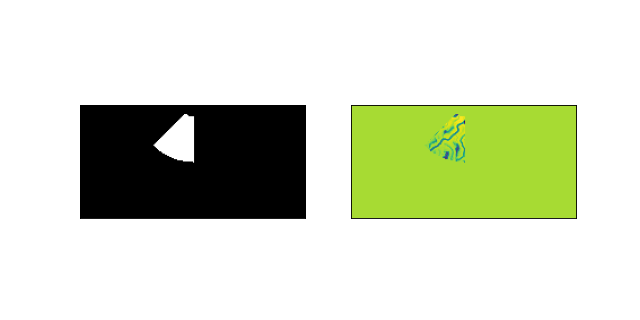
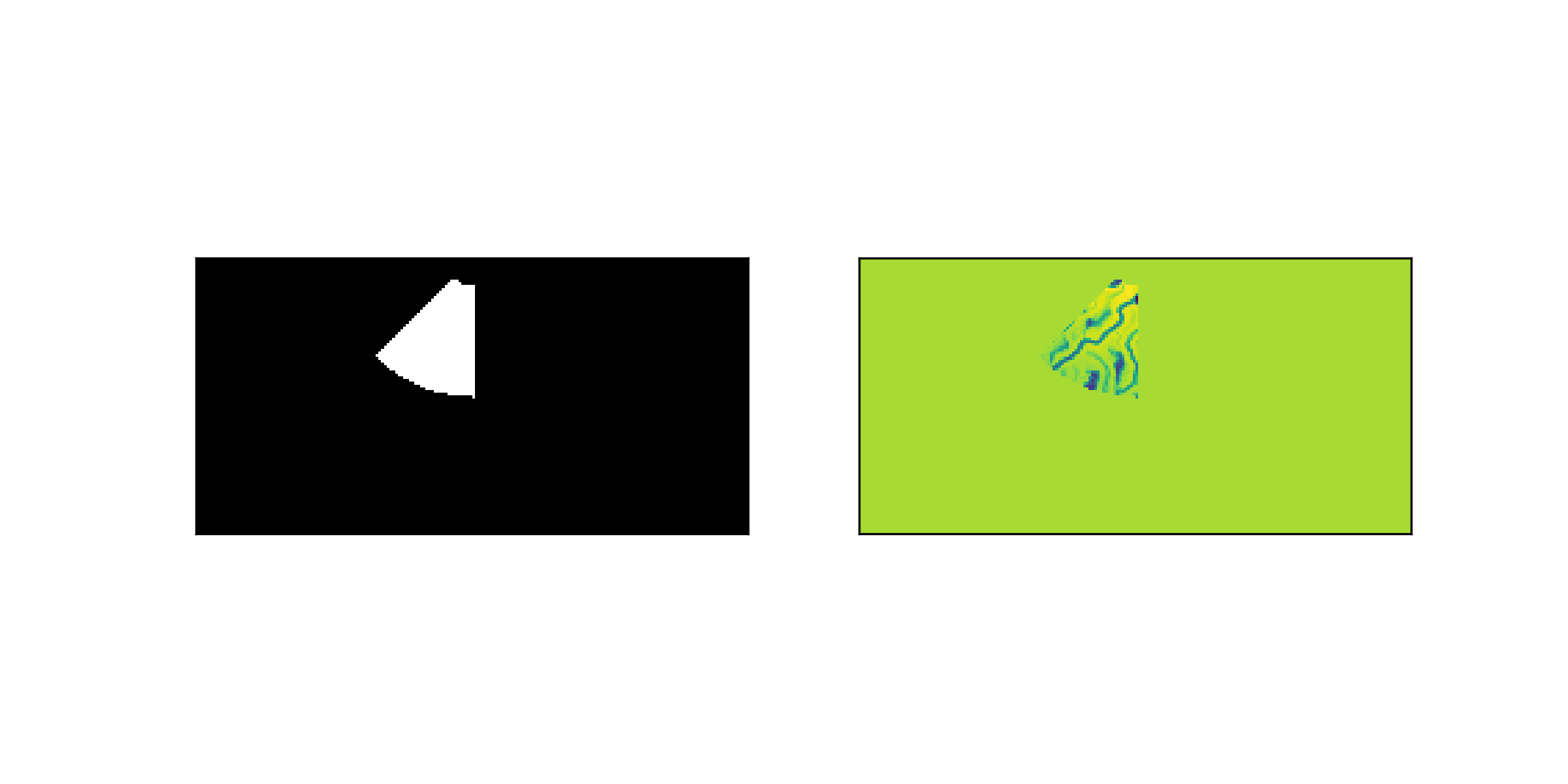
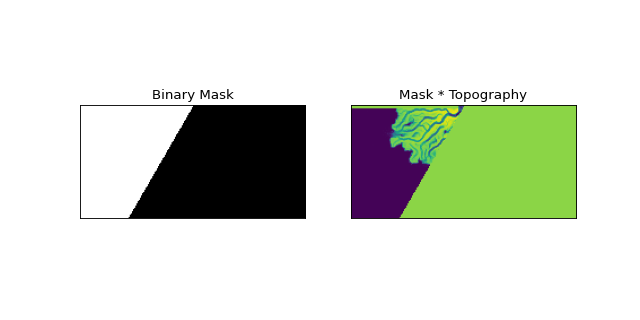
Define an angular mask to cover part of the domain from pi/4 to pi/2.
>>> gmsk.angular(np.pi / 4, np.pi / 2)
Further mask this region by defining bounds in the radial direction.
>>> gmsk.circular(rad1=10, rad2=50)
Visualize the mask:
>>> fig, ax = plt.subplots(1, 2, figsize=(8, 4))
>>> gmsk.show(ax=ax[0])
>>> _ = ax[1].imshow(golfcube["eta"][-1, :, :] * gmsk.mask)
>>> _ = ax[1].set_xticks([])
>>> _ = ax[1].set_yticks([])
(
Source code,png,hires.png)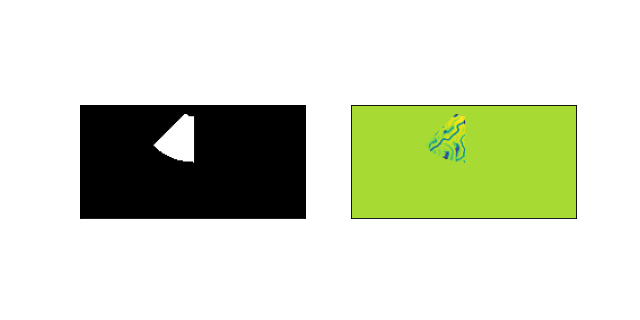
- __init__(*args, origin=None, **kwargs)
Initialize the GeometricMask.
Initializing the geometric mask object requires information regarding the shape of the 2-D array of the region you wish to apply the mask to.
Important
The GeometricMask is initializes with all values set to
True; this is the opposite of all other Mask types, which are set toFalseduring initialization.- Parameters:
*args – Various input arguments can be used to initialize the GeometricMask. Input may be a two-element tuple, specifying the array dimensions, or an ndarray, Mask, or Cube from which the shape is inferred.
origin (tuple) – The “origin” of the domain. Usually this is the water/sediment inlet location. The origin is used as the mathematical origin point for computation setting the mask within the GeometricMask methods. If unspecified, it is assumed to be (0, 0).
**kwargs – Keyword arguments can be specified to instantiate a GeometricMask and apply one (or more) of the geometric masking operations during instantiation. Accepted arguments are angular, circular, strike, and dip. Each argument must have a dictionary as it’s key, which contains the keyword-argument pairs to be passed to that geometric masking function (see examples).
Examples
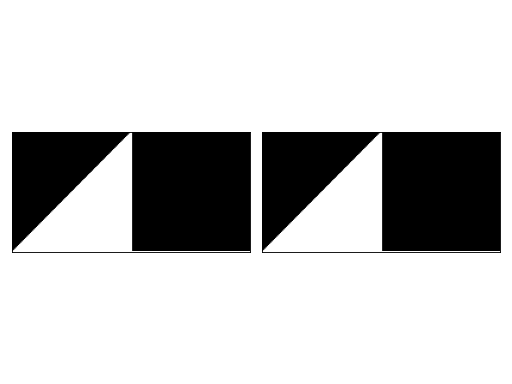
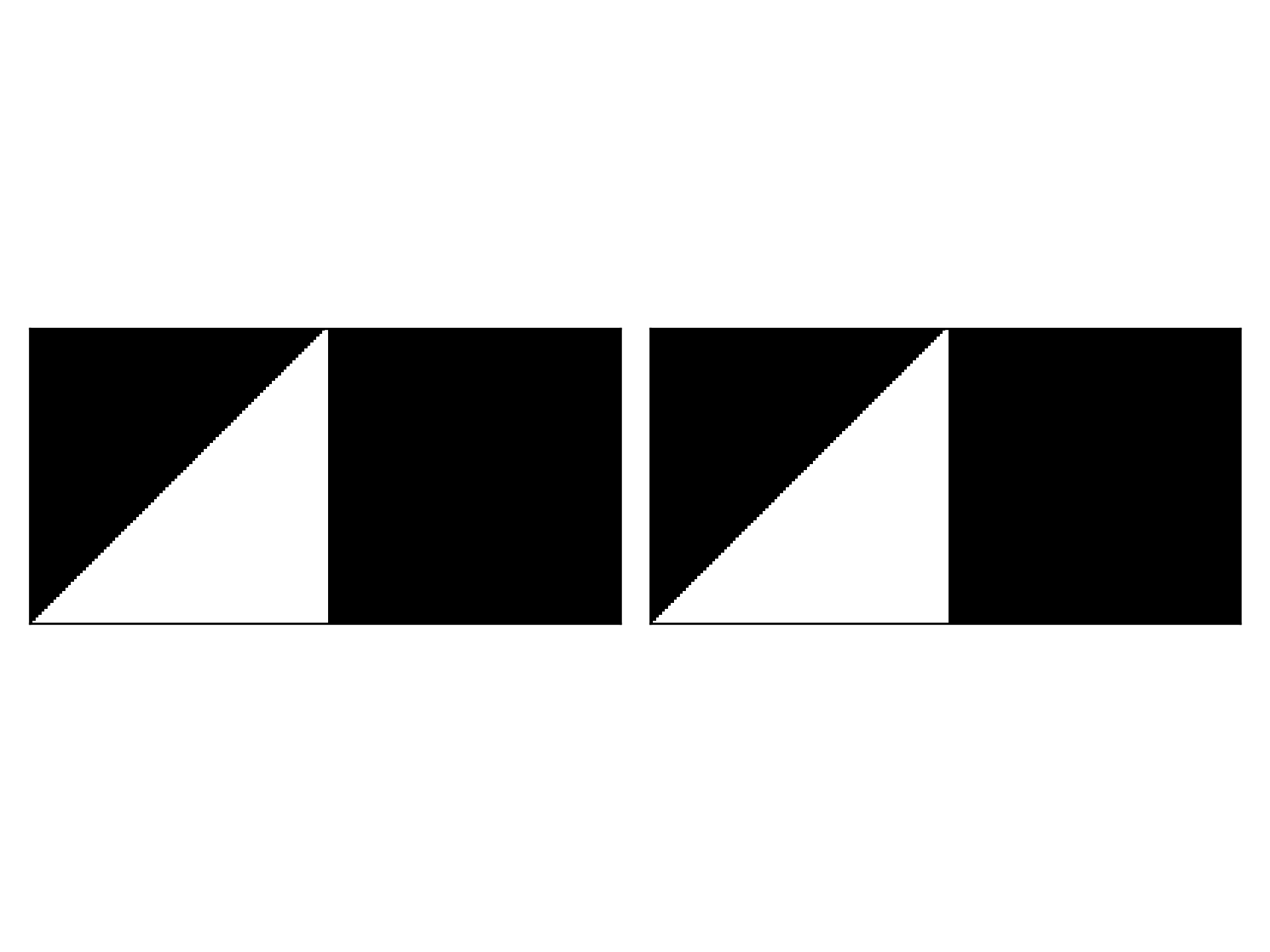
Create an angular GeometricMask two different ways.
>>> import matplotlib.pyplot as plt
>>> import numpy as np
>>> from sandplover.mask import GeometricMask
>>> arr = np.random.uniform(size=(100, 200))
>>> gmsk0 = GeometricMask(arr, origin=(0, 100))
>>> gmsk0.angular(np.pi / 4, np.pi / 2)
>>> gmsk1 = GeometricMask(
...     (100, 200),
...     origin=(0, 100),
...     angular=dict(theta1=np.pi / 4, theta2=np.pi / 2),
... )
>>> fig, ax = plt.subplots(1, 2)
>>> gmsk0.show(ax[0])
>>> gmsk1.show(ax[1])
>>> plt.tight_layout()
(
Source code,png,hires.png)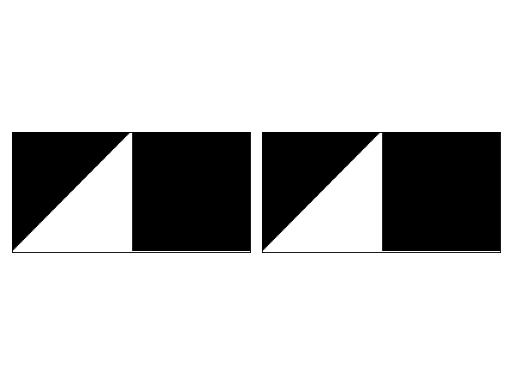
Methods
__init__(*args[, origin])Initialize the GeometricMask.
angular([theta1, theta2])Make a mask based on two angles.
circular([rad1, rad2, origin])Make a circular mask bounded by two radii.
dip([ind1, ind2])Make a mask parallel to the inlet.
from_array(_arr)Create a GeometricMask from an array.
show([ax, title, ticks, colorbar])Show the mask.
strike([ind1, ind2])Make a mask based on two indices.
trim_mask(*args[, value, axis, length])Replace a part of the mask with a new value.
Attributes
Binary mask values as integer
Binary mask values.
Type of the mask (string)
shapevariablesx-coordinate of origin point.
y-coordinate of origin point.
- __getitem__(var)
Implement slicing.
Return values directly from the mask. Supported variables are only ‘mask’ or ‘integer’.
- angular(theta1=0, theta2=3.141592653589793)
Make a mask based on two angles.
Computes a mask that is bounded by 2 angles input by the user.
Important
Currently origin point is fixed, function should be extended to allow for an input origin point from which the angular bounds are determined.
- Parameters:
theta1 (float) – Radian value controlling the left bound of the mask. If unspecified, this bound is set to 0.
theta2 (float) – Radian value controlling the right bound of the mask. If unspecified, this bound is set to pi=3.14…
Examples
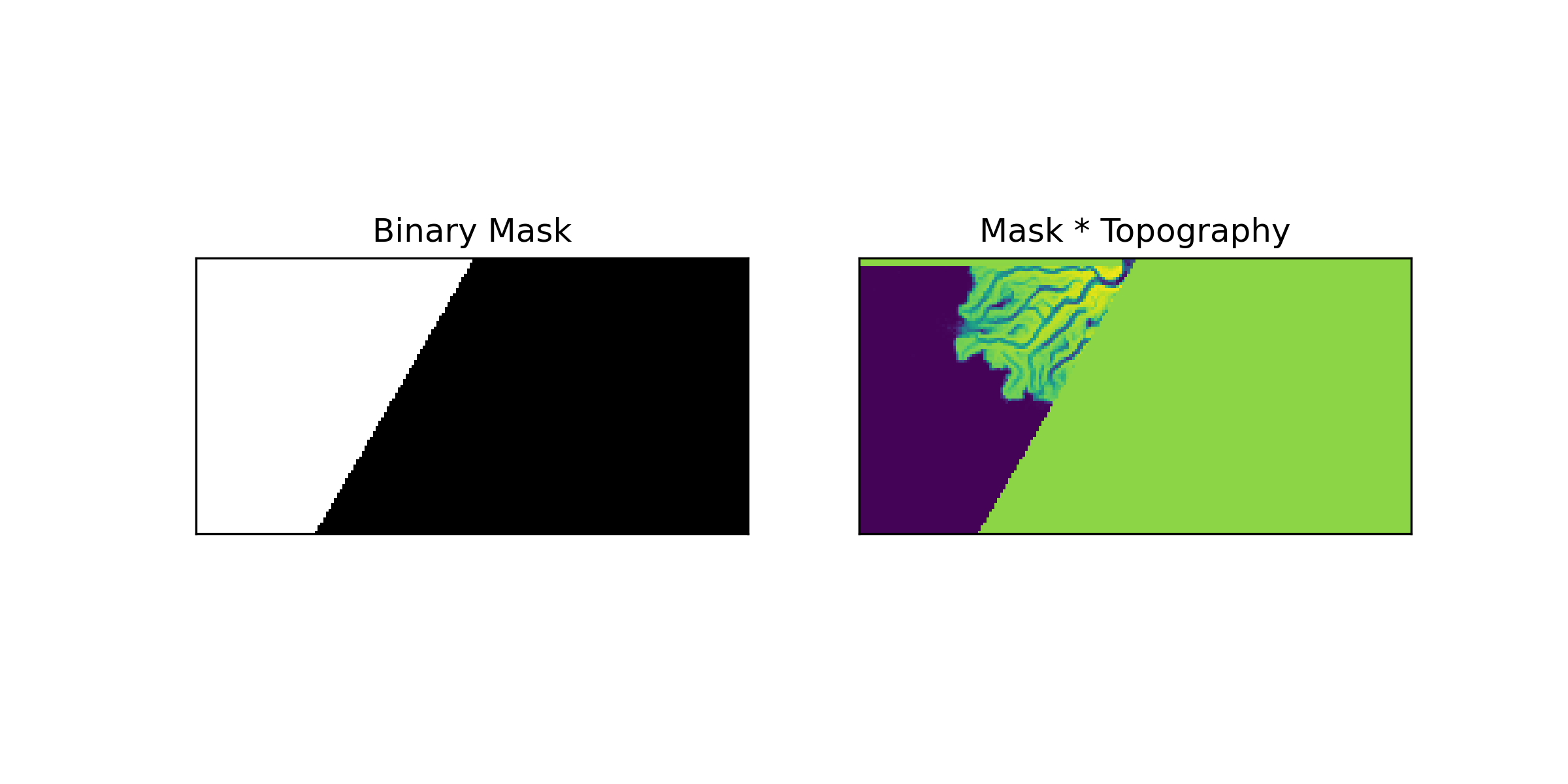
Initialize an angular mask from 0 to pi/3 radians and mask topography:
>>> import matplotlib.pyplot as plt
>>> import numpy as np
>>> from sandplover.mask import GeometricMask
>>> from sandplover.sample_data.sample_data import golf
>>> golfcube = golf()
>>> arr = golfcube["eta"][-1, :, :]
>>> gmsk = GeometricMask(arr)
Define an angular mask to cover part of the domain from 0 to pi/3
>>> gmsk.angular(0, np.pi / 3)
Visualize the mask:
>>> fig, ax = plt.subplots(1, 2, figsize=(8, 4))
>>> gmsk.show(ax=ax[0], title="Binary Mask")
>>> _ = ax[1].imshow(golfcube["eta"][-1, :, :] * gmsk.mask)
>>> _ = ax[1].set_xticks([])
>>> _ = ax[1].set_yticks([])
>>> _ = ax[1].set_title("Mask * Topography")
(
Source code,png,hires.png)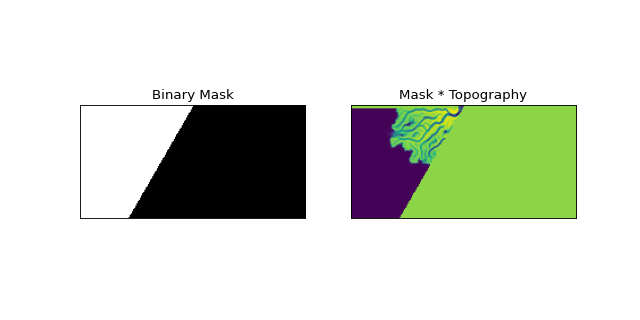
- circular(rad1=0, rad2=None, origin=None)
Make a circular mask bounded by two radii.
Computes a mask that is bounded by 2 radial distances which are input by the user.
- Parameters:
rad1 (int) – Index value to set the inner radius. If unspecified, this bound is set to 0.
rad2 (int, optional) – Index value to set the outer radius. If unspecified, this bound is set to extend as the larger dimension of the domain.
origin (
tuple, optional) – Optionally specify an origin to use for computing the circle. Will use the GeometricMask origin, if not supplied.
Examples
Initialize geometric mask which clips out a region near the inlet:
>>> import matplotlib.pyplot as plt
>>> from sandplover.mask import GeometricMask
>>> from sandplover.sample_data.sample_data import golf
>>> golfcube = golf()
>>> arr = golfcube["eta"][-1, :, :]
>>> gmsk = GeometricMask(arr)
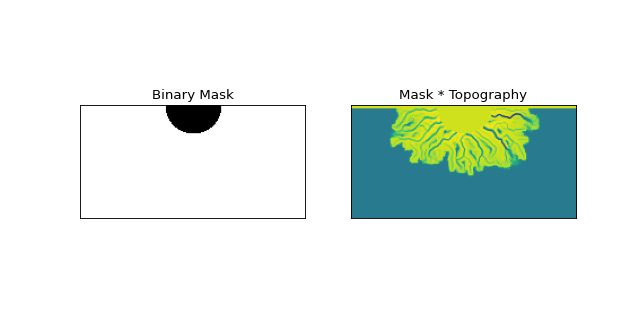
Define an circular mask to exclude region near the inlet
>>> gmsk.circular(25)
Visualize the mask:
>>> fig, ax = plt.subplots(1, 2, figsize=(8, 4))
>>> gmsk.show(ax=ax[0], title="Binary Mask")
>>> _ = ax[1].imshow(golfcube["eta"][-1, :, :] * gmsk.mask)
>>> _ = ax[1].set_xticks([])
>>> _ = ax[1].set_yticks([])
>>> _ = ax[1].set_title("Mask * Topography")
(
Source code,png,hires.png)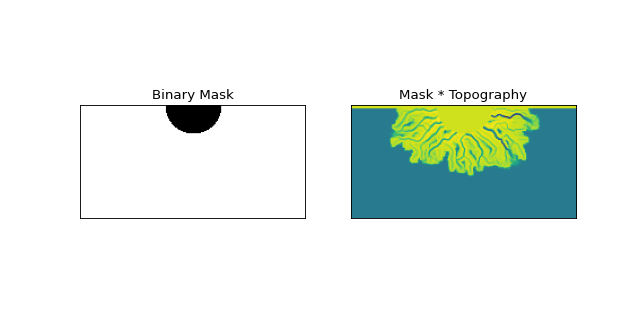
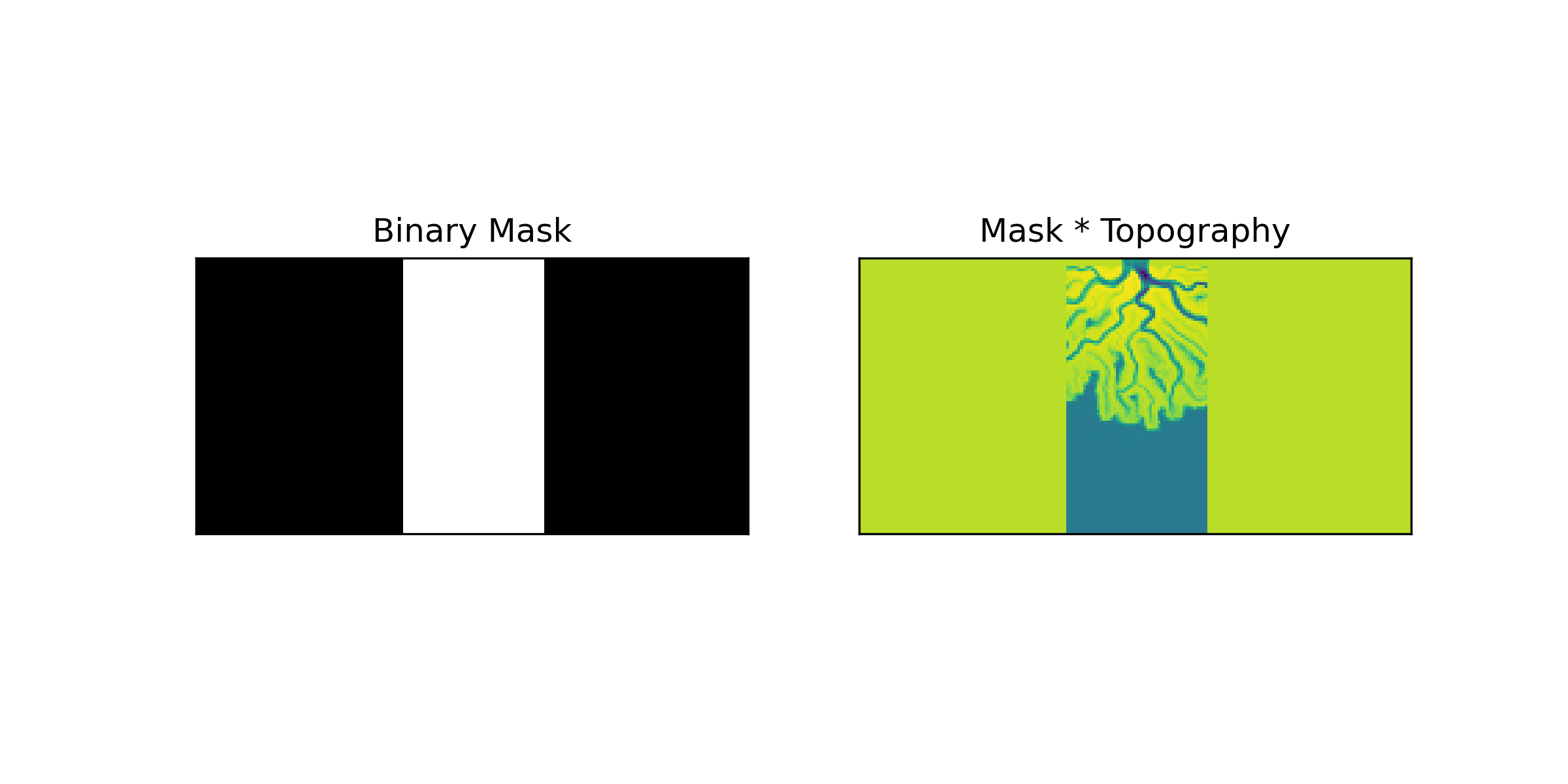
- dip(ind1=0, ind2=None)
Make a mask parallel to the inlet.
Makes a mask that is parallel to the direction of flow in the inlet. If only one value is supplied, then this mask is centered on the inlet and has a width of ind1. If two values are supplied then they set the bounds for the mask.
- Parameters:
ind1 (int) – Width of the mask if ind2 is not specified. Otherwise, it sets the left bound of the mask.
ind2 (int, optional) – Right bound of the mask if specified. If not specified, then ind1 sets the width of a mask centered on the inlet.
Examples
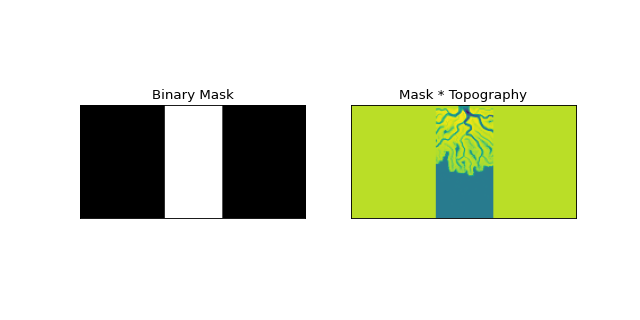
Initialize mask with a width of 50 pixels in-line with the inlet:
>>> import matplotlib.pyplot as plt
>>> from sandplover.mask import GeometricMask
>>> from sandplover.sample_data.sample_data import golf
>>> golfcube = golf()
>>> arr = golfcube["eta"][-1, :, :]
>>> gmsk = GeometricMask(arr)
Define mask with width of 50 px. inline with the inlet
>>> gmsk.dip(50)
Visualize the mask:
>>> fig, ax = plt.subplots(1, 2, figsize=(8, 4))
>>> gmsk.show(ax=ax[0], title="Binary Mask")
>>> _ = ax[1].imshow(golfcube["eta"][-1, :, :] * gmsk.mask)
>>> _ = ax[1].set_xticks([])
>>> _ = ax[1].set_yticks([])
>>> _ = ax[1].set_title("Mask * Topography")
(
Source code,png,hires.png)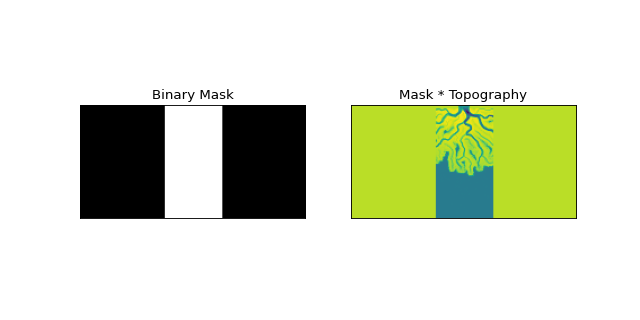
- static from_array(_arr)
Create a GeometricMask from an array.
Note
Instantiation with from_array will attempt to any data type (dtype) to boolean. This may have unexpected results. Convert your array to a boolean before using from_array to ensure the mask is created correctly.
- Parameters:
_arr (
ndarray) – The array with values to set as the mask. Can be any dtype but will be coerced to boolean.
- property integer_mask
Binary mask values as integer
Important
integer_mask is a boolean array as
0and1(integers). It is not suitible for multidimensional array indexing; see alsomask.Read-only mask attribute.
- Type:
ndarray
- property mask
Binary mask values.
Important
mask is a boolean array (not integer). See also
integer_mask.Read-only mask attribute.
- Type:
ndarray
- property mask_type
Type of the mask (string)
- show(ax=None, title=None, ticks=False, colorbar=False, **kwargs)
Show the mask.
The Mask is shown in a matplotlib axis with imshow. The mask values are accessed from
integer_mask, so the display will show as0forFalseand1forTrue. Default colormap is black and white.Hint
Passes **kwargs to
matplotlib.imshow.- Parameters:
ax (
matplotlib.pyplot.Axes) – Which axes object to plot into.
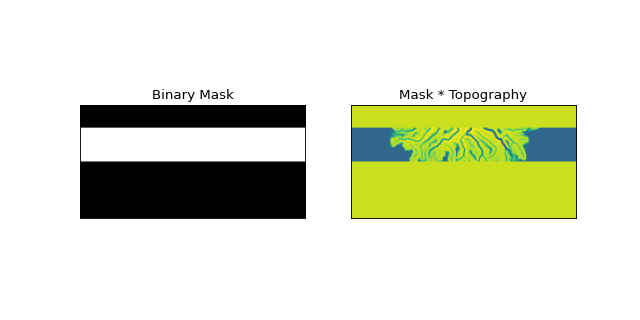
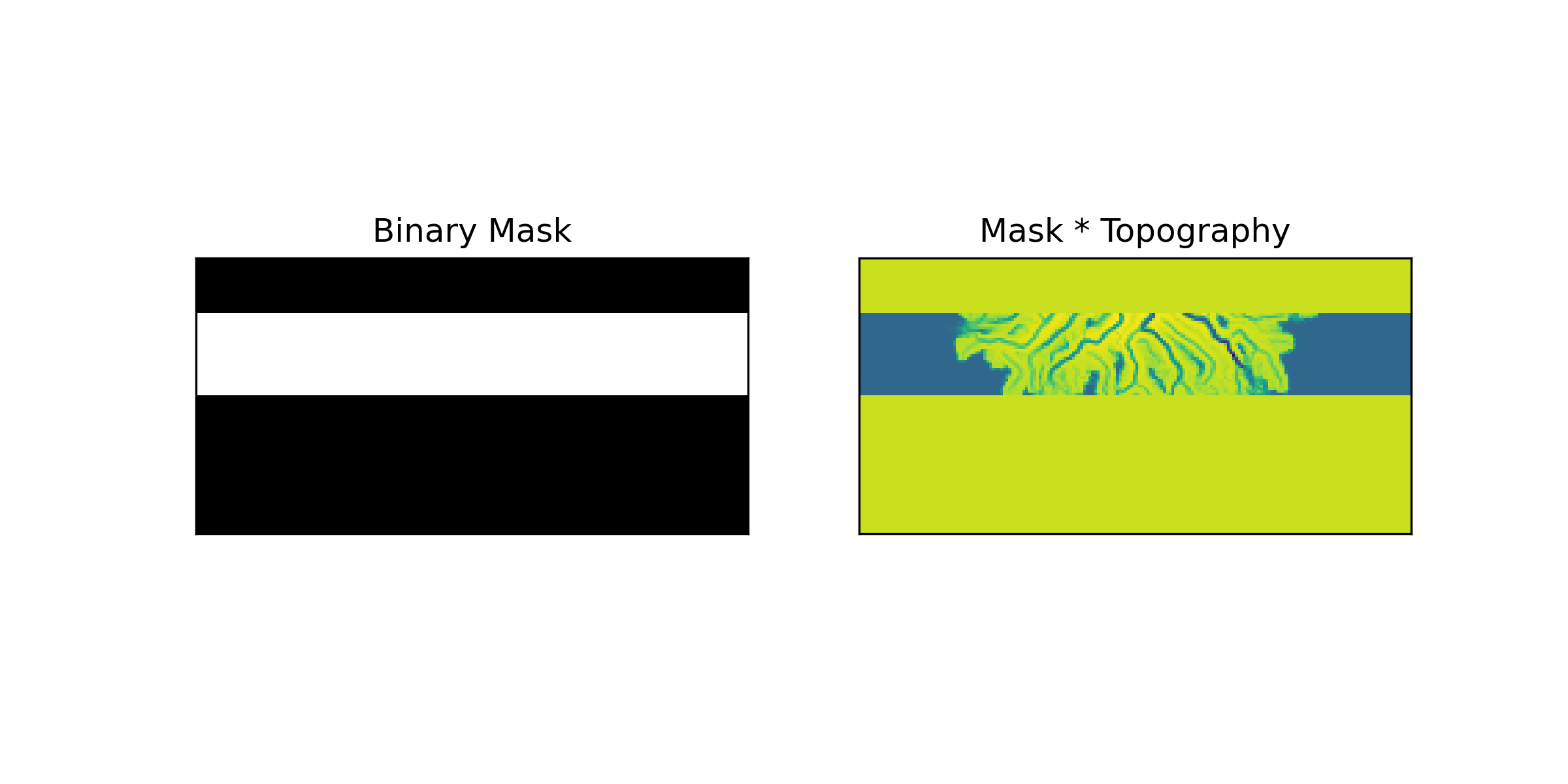
- strike(ind1=0, ind2=None)
Make a mask based on two indices.
Makes a mask bounded by lines perpendicular to the direction of the flow in the inlet channel.
- Parameters:
ind1 (int) – Index value to set first boundary (closest to inlet)
ind2 (int, optional) – Index value to set second boundary (farther from inlet). This is optional, if unspecified, this is set to the length of the domain.
Examples
Initialize a mask that isolates the region 20-50 pixels from the inlet:
>>> import matplotlib.pyplot as plt
>>> from sandplover.mask import GeometricMask
>>> from sandplover.sample_data.sample_data import golf
>>> golfcube = golf()
>>> arr = golfcube["eta"][-1, :, :]
>>> gmsk = GeometricMask(arr)
Define a mask that isolates the region 20-50 pixels from the inlet
>>> gmsk.strike(20, 50)
Visualize the mask:
>>> fig, ax = plt.subplots(1, 2, figsize=(8, 4))
>>> gmsk.show(ax=ax[0], title="Binary Mask")
>>> _ = ax[1].imshow(golfcube["eta"][-1, :, :] * gmsk.mask)
>>> _ = ax[1].set_xticks([])
>>> _ = ax[1].set_yticks([])
>>> _ = ax[1].set_title("Mask * Topography")
(
Source code,png,hires.png)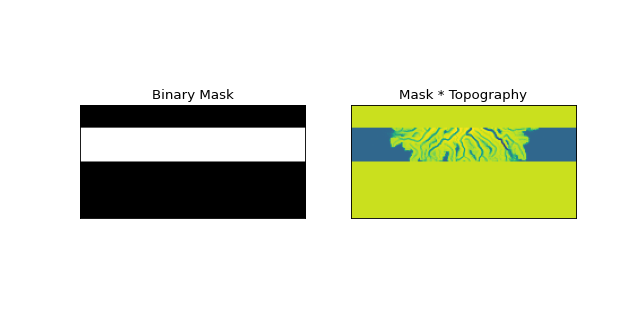
- trim_mask(*args, value=False, axis=1, length=None)
Replace a part of the mask with a new value.
This is sometimes necessary before using a mask in certain computations. Most often, this method is used to manually correct domain edge effects.
- Parameters:
*args (
BaseCubesubclass, optional) – Optionally pass a Cube object to the mask, and the dimensions to trim/replace the mask by will be inferred from the cube. In this case,axisandlengthhave no effect.value – Value to replace in the trim region with. Default is
False.axis – Which edge to apply the trim of
lengthto. Default is 1, the top domain edge.length – The length of the trim. Note that this is not the array index.
Examples
- property xc
x-coordinate of origin point.
- property yc
y-coordinate of origin point.